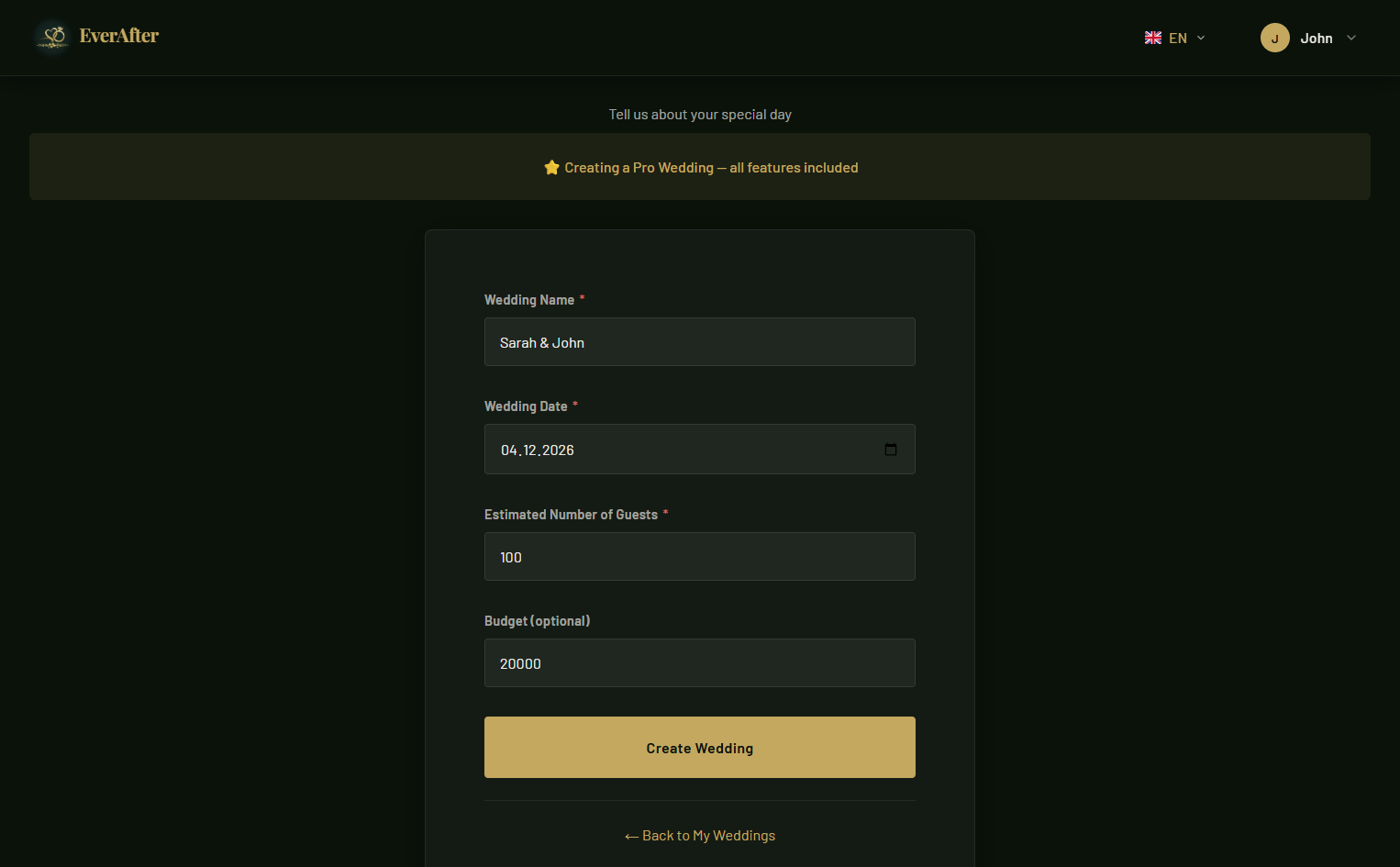
Create Your Wedding
After registering, give your wedding a name and set the date. That's all it takes to get started — no complicated setup, no credit card required.
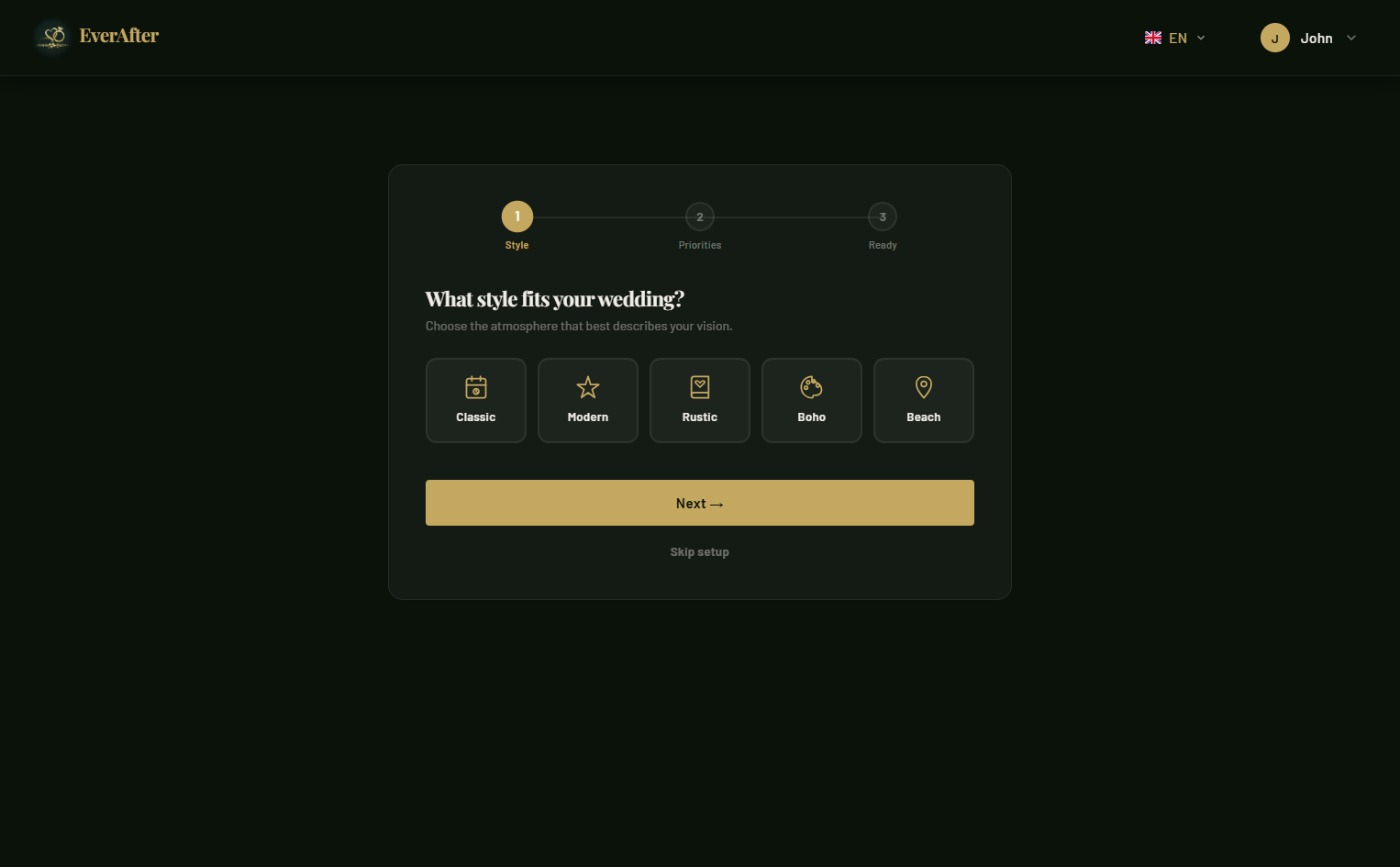
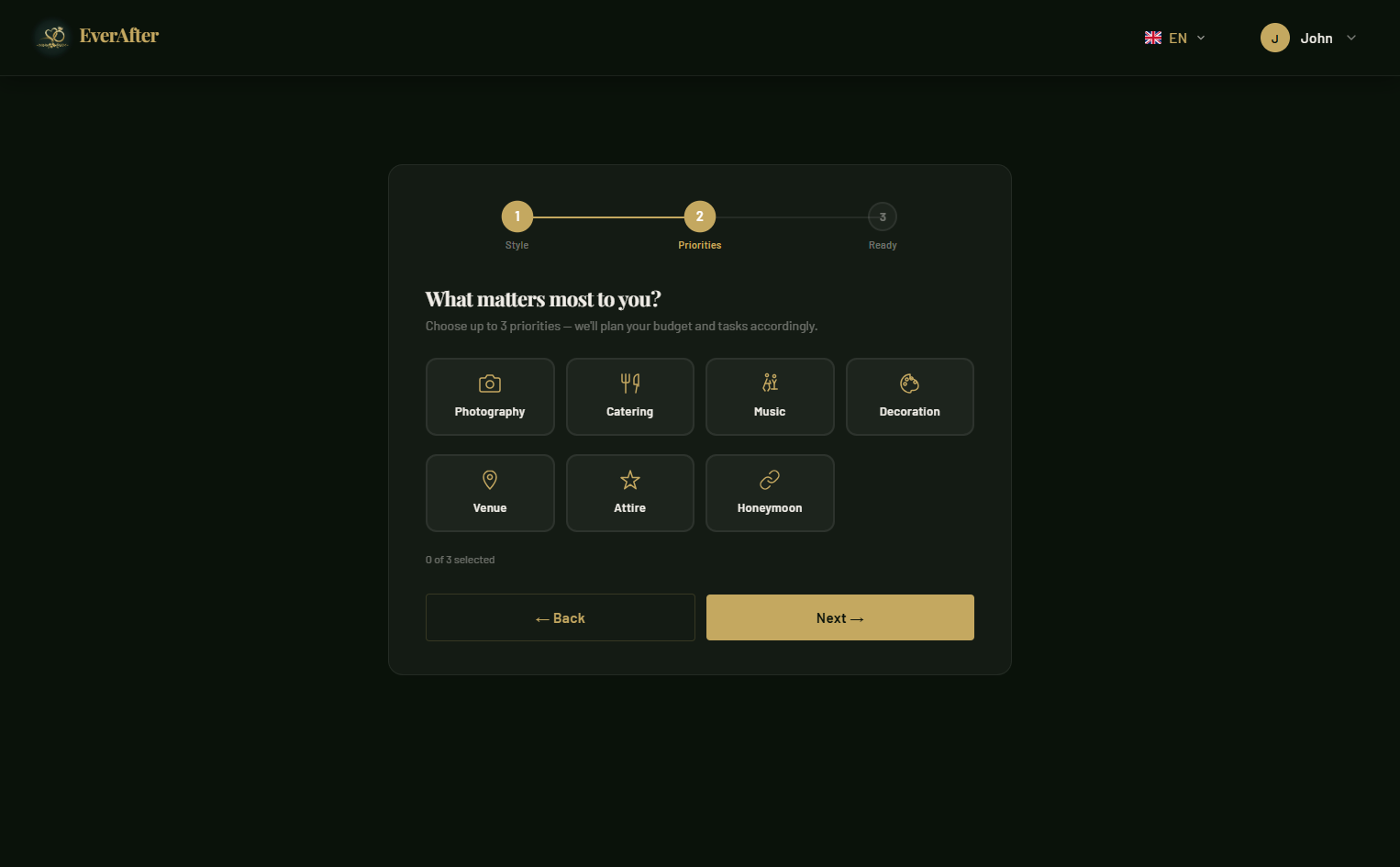
Complete the Setup Wizard
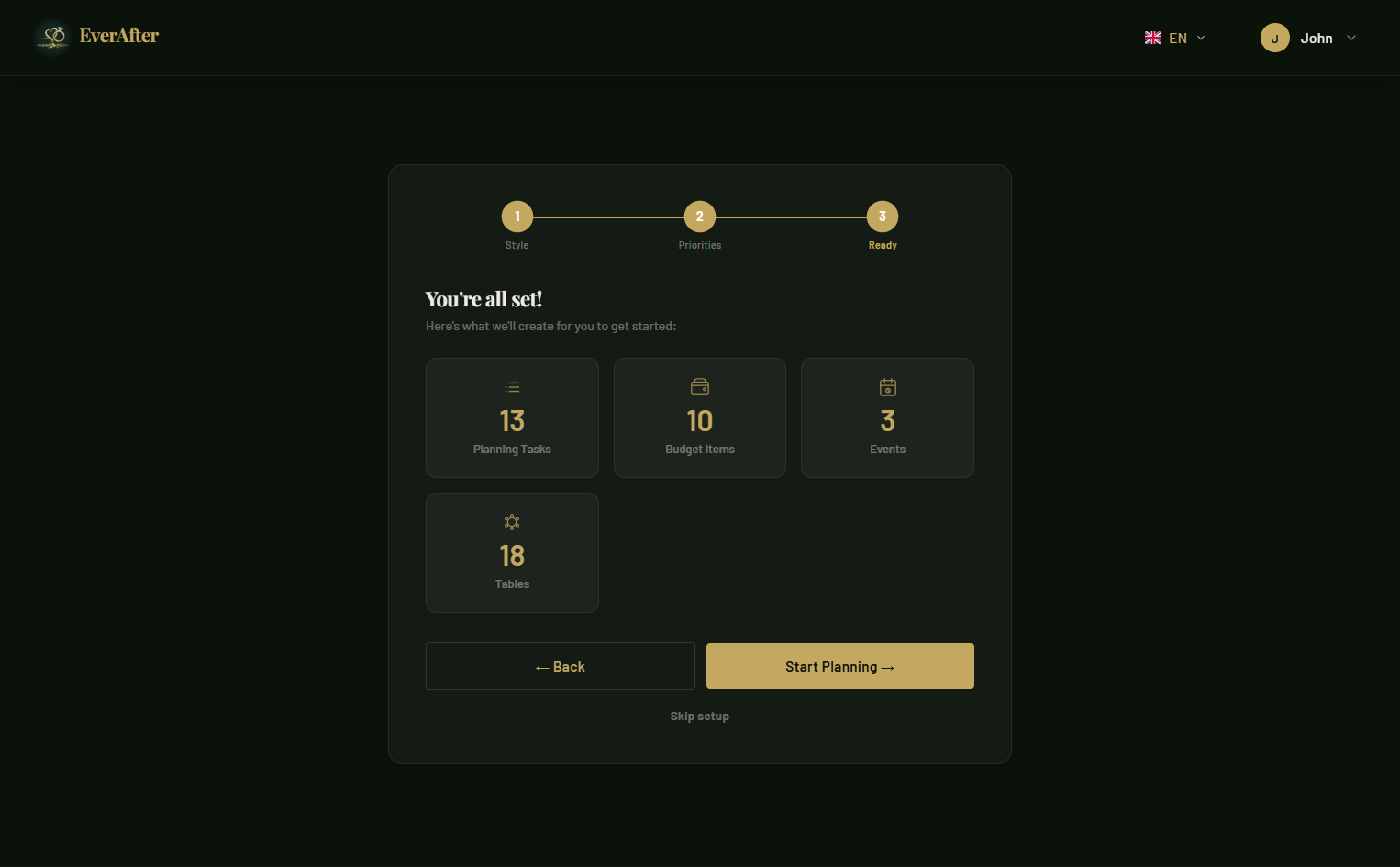
A short, guided setup helps you fill in the most important details right from the start — your partner's name, the venue, and who you'd like to collaborate with.
Your Wedding Dashboard
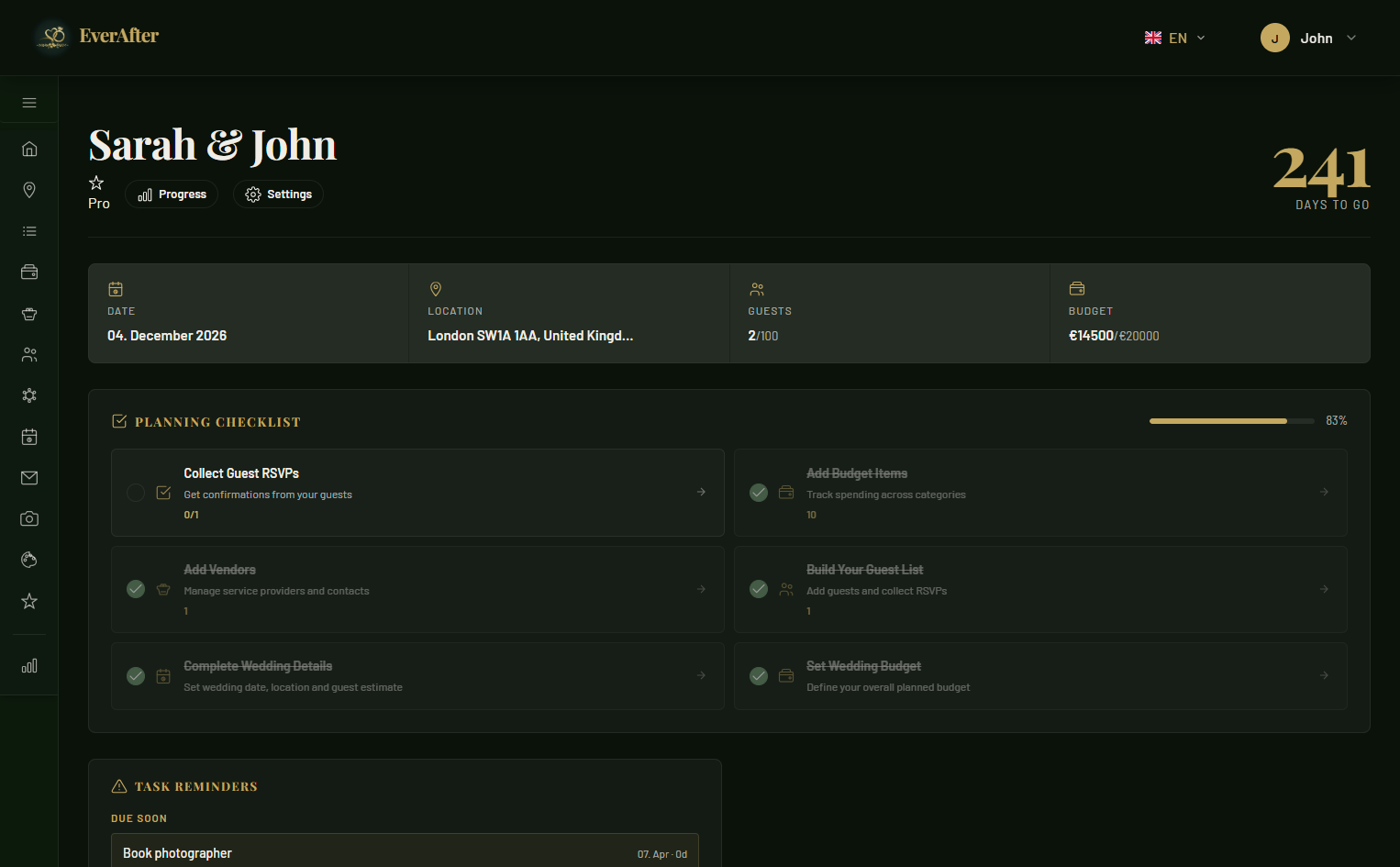
The dashboard is your central command. See guest counts, budget at a glance, upcoming tasks, and quick links to every part of your wedding planning — all in one place.
Manage Your Guest List
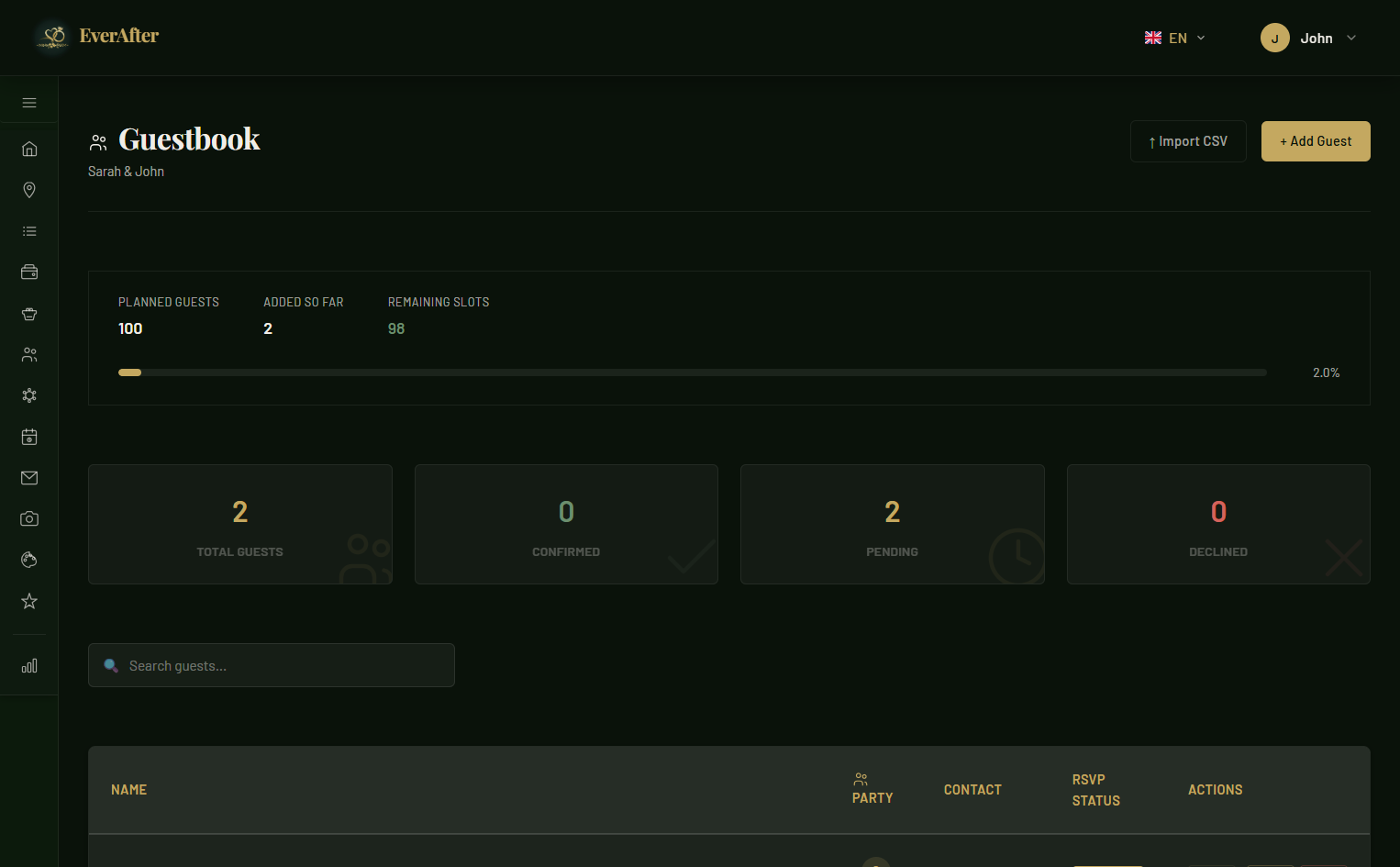
Add guests individually or import them in bulk. Track RSVP status, party sizes, dietary requirements, and send personalised invite links — all from one tidy list.
Stay on Top of Your Budget
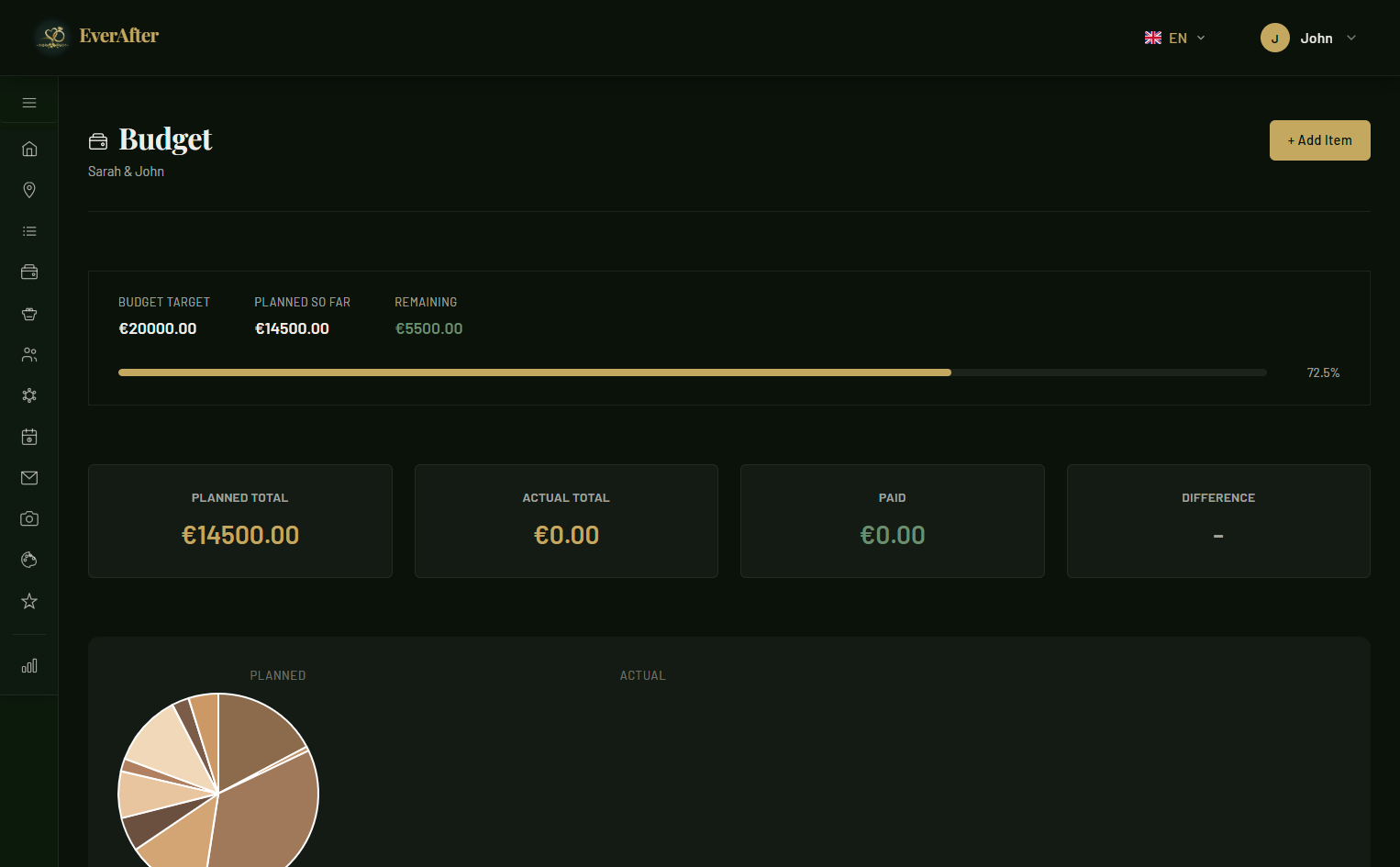
Add budget items for every category, enter planned and actual costs, and mark payments. The budget tracker shows you instantly where you stand — and where you're overspending.
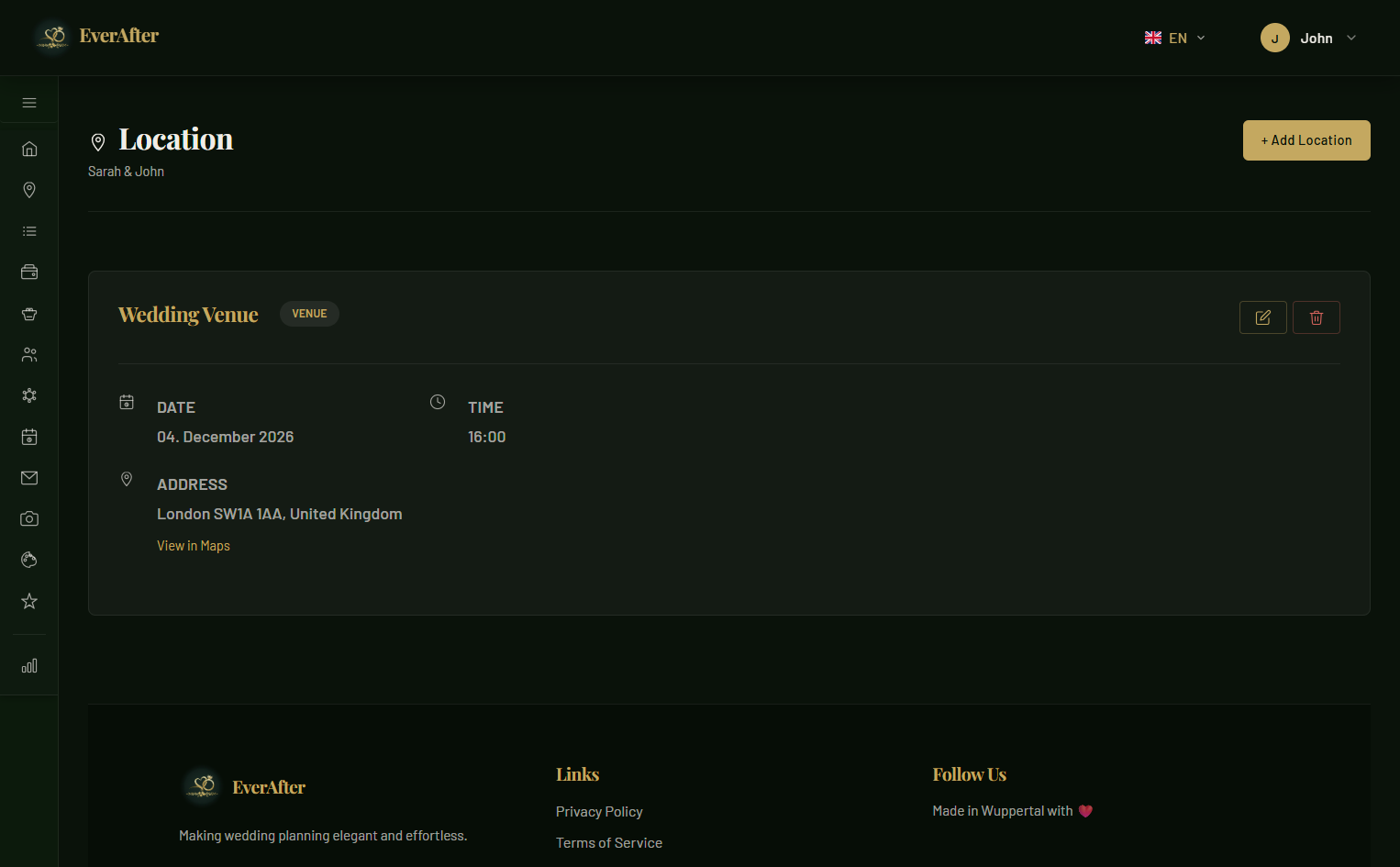
Plan Your Venues
Add ceremony and reception locations with full address details, an interactive map, and notes for guests. Link venues directly to your Save the Date page so guests always have directions.
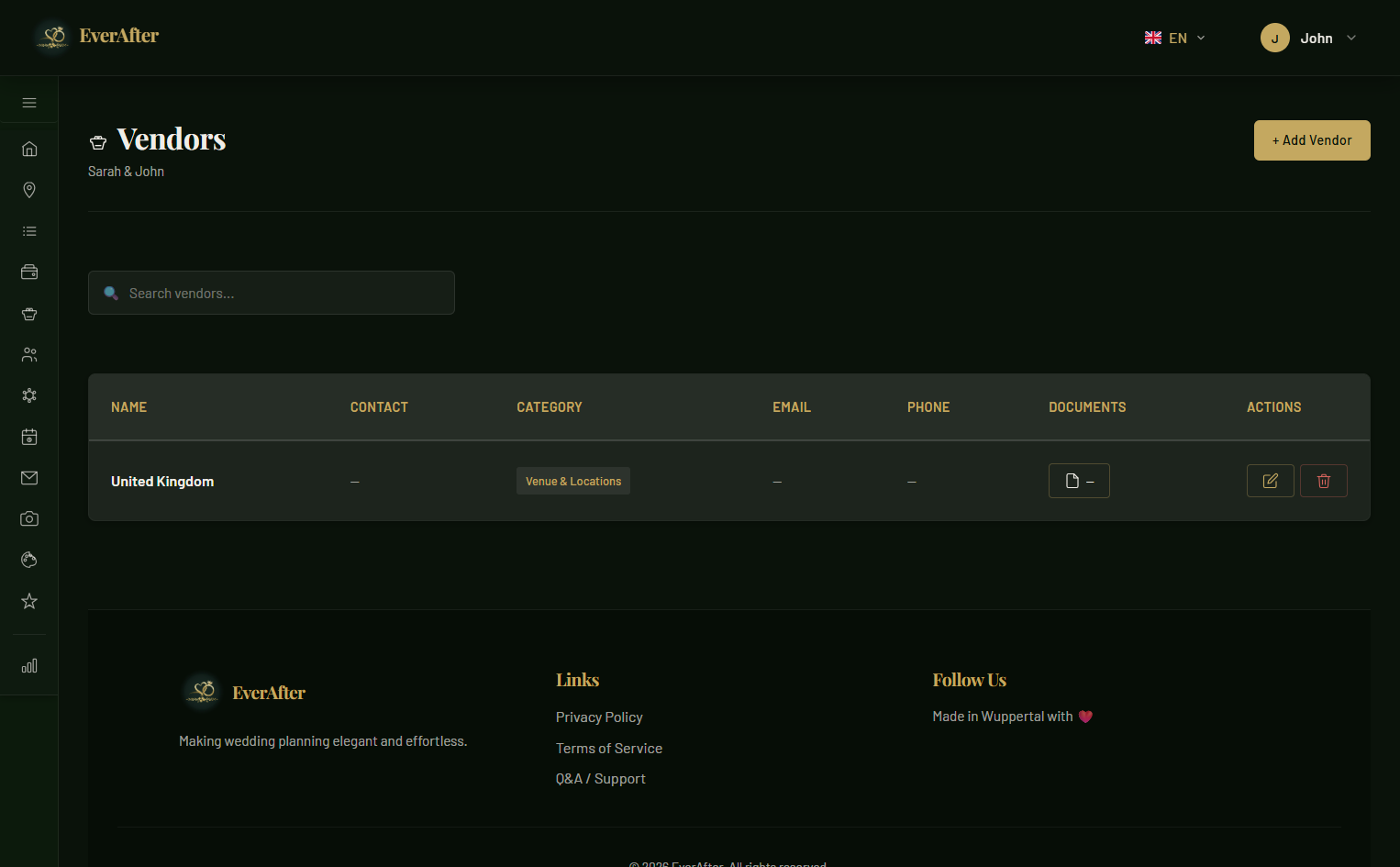
Coordinate Your Vendors
Photographer, florist, caterer, DJ — keep all vendor contacts, contract details, and payment statuses in one place. Never lose a number or forget a deadline again.
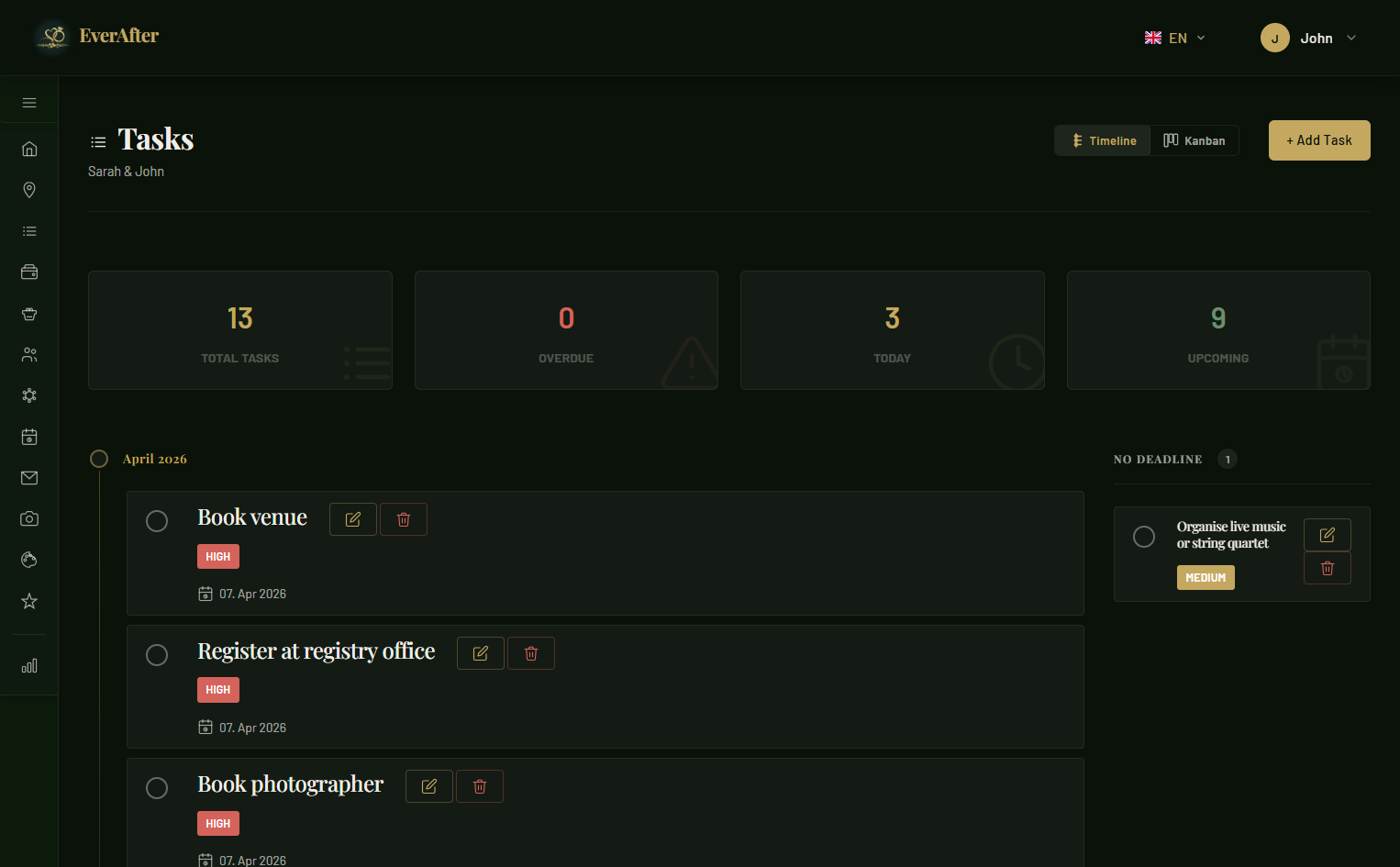
Keep Track of Every Task
Create tasks with due dates, assign them to collaborators, and tick them off one by one. The timeline view keeps your wedding day schedule perfectly organised from ceremony to last dance.
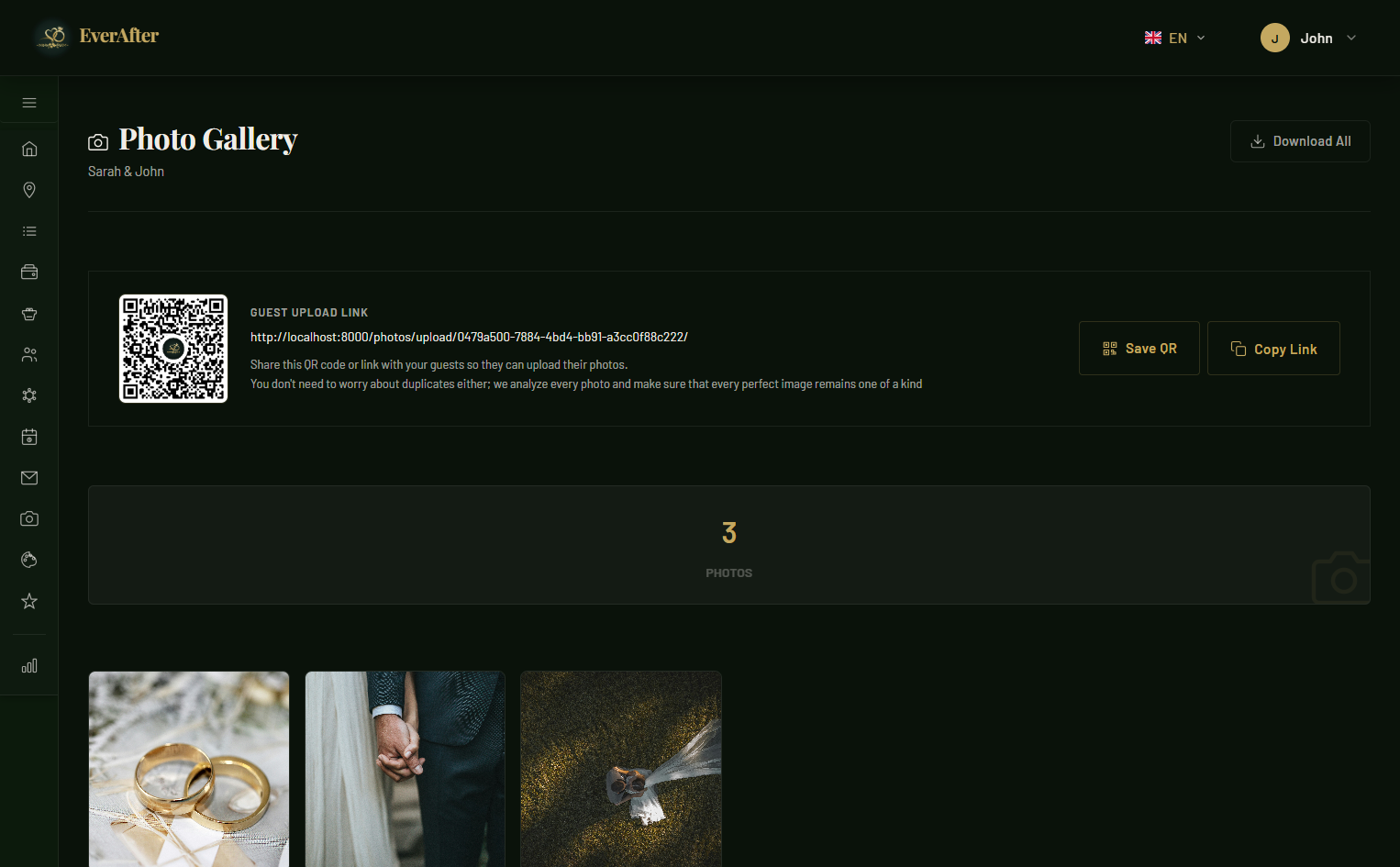
Collect Guest Photos
Share a unique upload link with your guests and let them contribute their own photos from your big day. All uploads are collected in a shared gallery — your memories, from every perspective.